If you have access to a Fleet manager Dashboard, you can perform administrative changes from the 'Administration' tab located on the left of your account.
You will also have the option to create and edit employee accounts, if required. If you wish to select a specific scheme, you can do this via the buttons below.
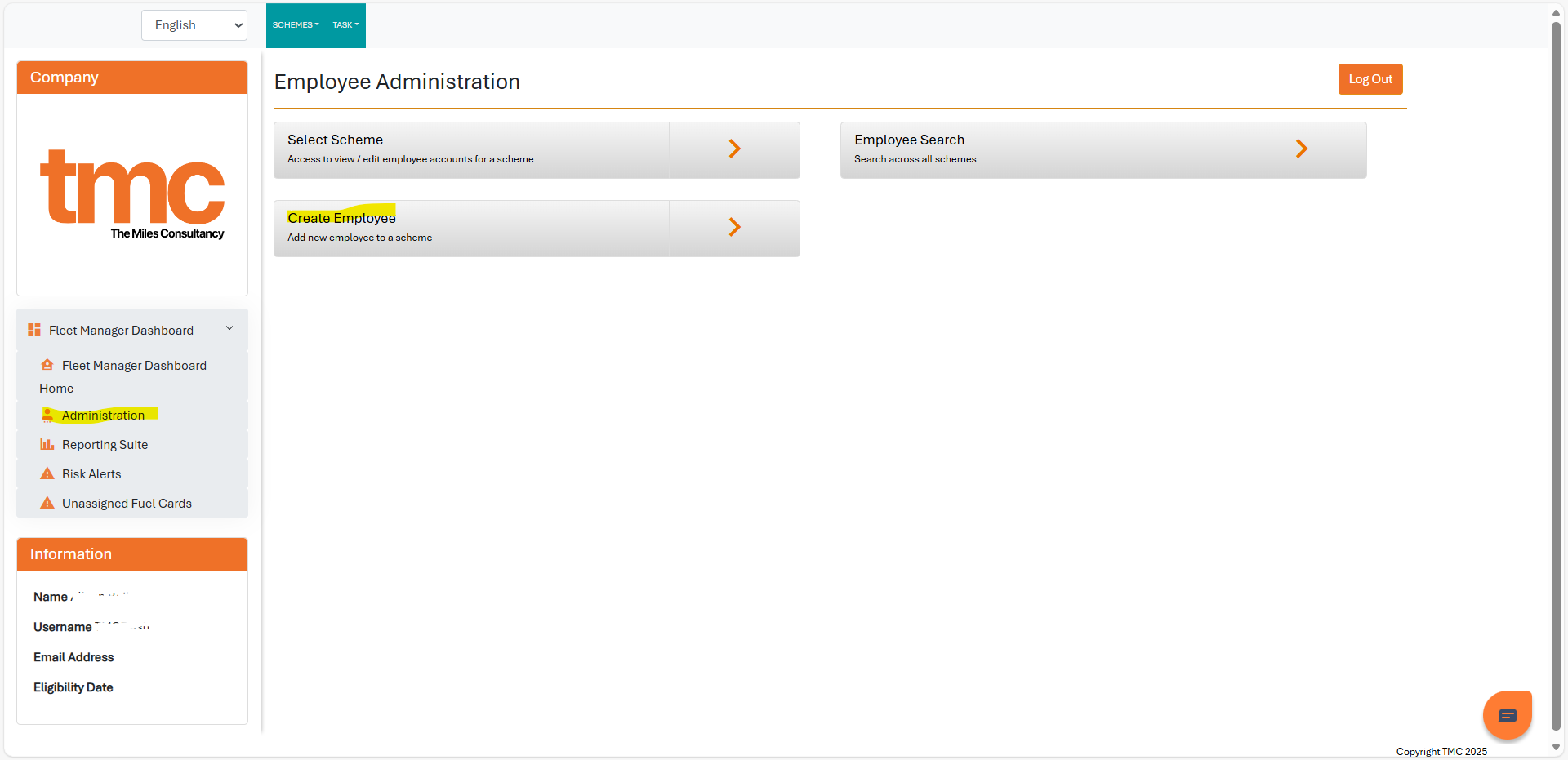
This is also a useful platform to run reports for either a single Employee or a Fleet of Employee's.
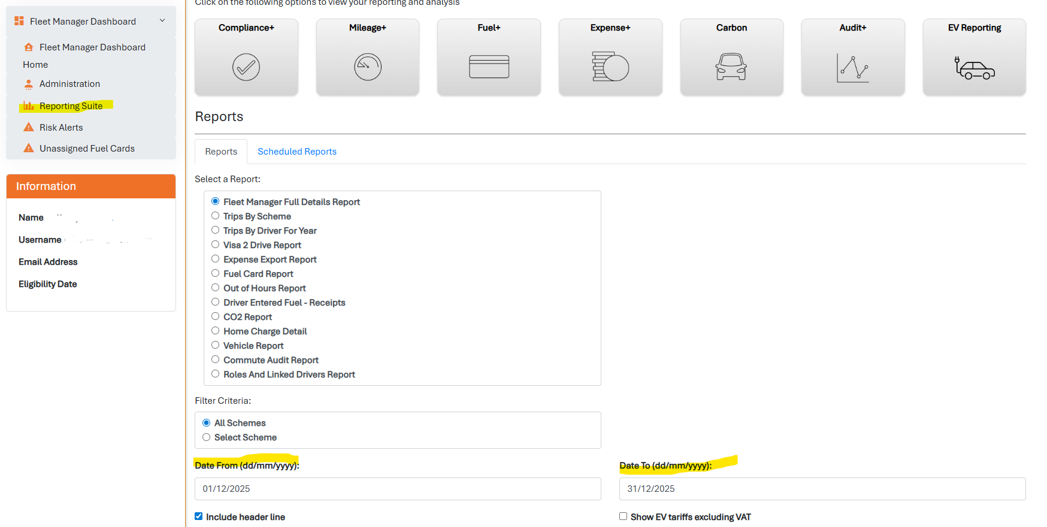
To run a report, you can select 'Reporting Suite' and filter on what you need the report to include, for example if you need to know the total Fuel card spends for December, you can run a 'Fuel card Report' and then select the dates you need this to and from ie 1st Dec to 31st.

When reports are processed offline, the system will run these when it is less busy. Once the report has been run you will receive an Email. We cannot give a time estimate on how long this takes however if you have not received this within 24 hours please do try the report again, or contact us for assistance.
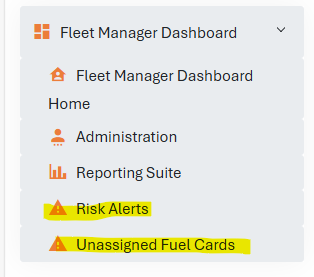
You will also have 2 'warning' tabs which are labelled Risk Alert and Unassigned Fuel cards. These tabs are useful to keep an eye on which employees are on a Risk alert and also the fuel cards that have not been assigned on any account.
Power BI/ Compliance:
Power BI is a tool that allows you to have a clear overview of the statistics that have been set up on your dashboard such as compliance, Mileage , Fuel, Expenses, Carbon, Audits and Electric Vehicle reporting.
You can click on the tabs for further information:

There is tabs at both the bottom and the top of this to allow you to filter through the information and find any required details.