When to close off
If you have logged all your business trips for the period, to complete your claim, you will need to update your odometer reading and close the month.
If you have no business miles to claim, you will need to complete a nil return, following this guide.
Closing off step by step
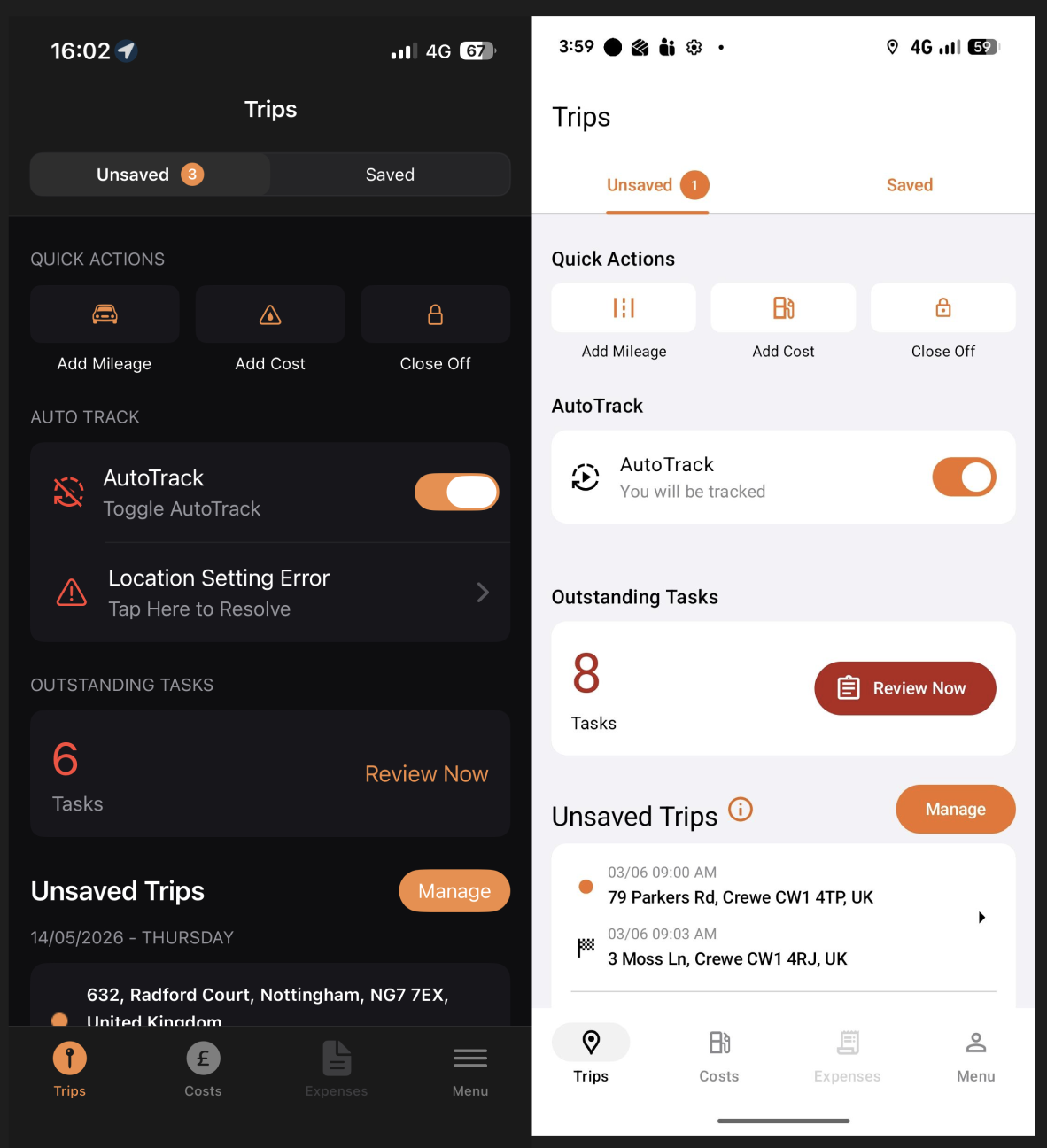
On the app homepage, unsaved trips tab, you will see an option on the top right to "close off".
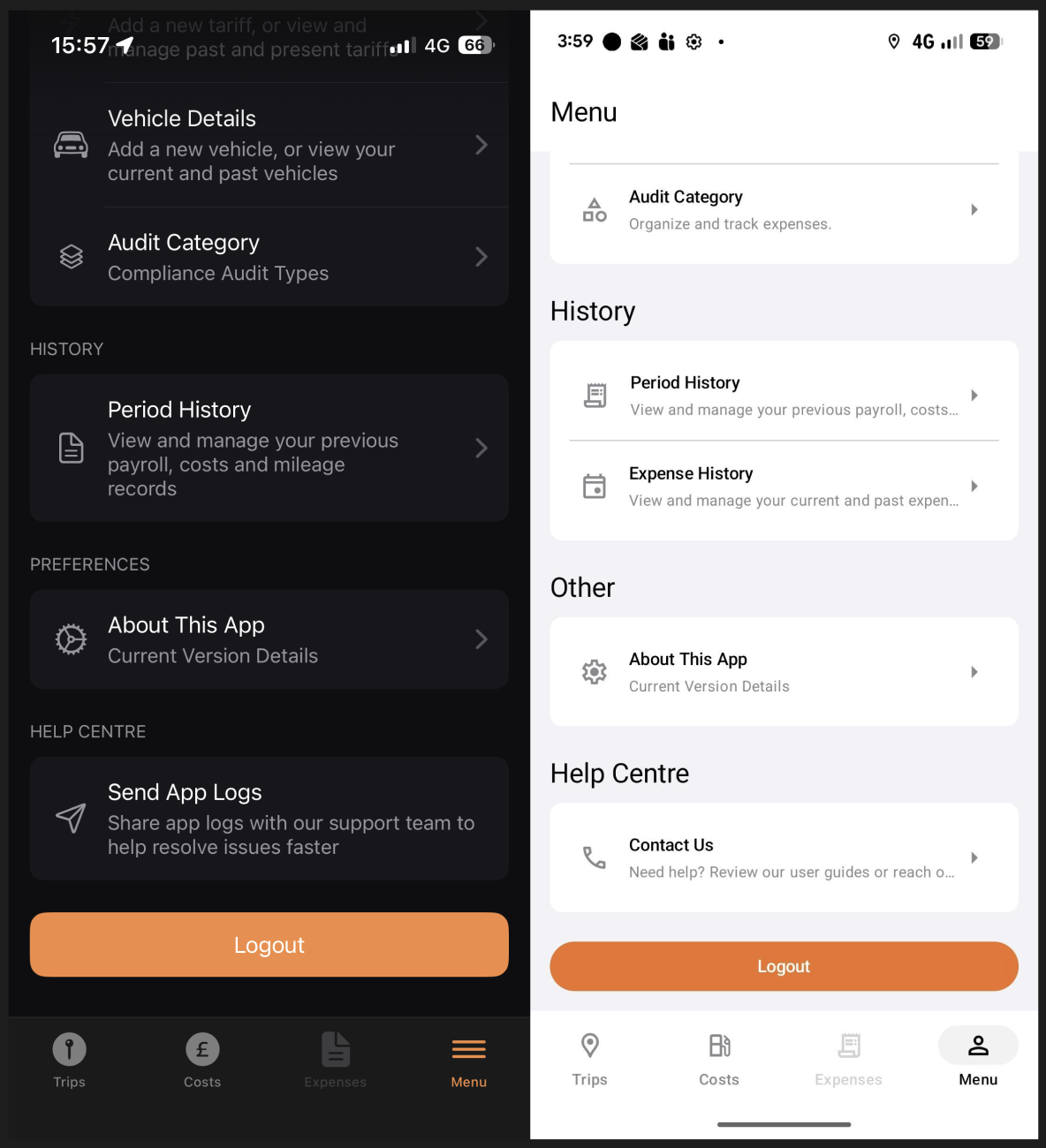
You can also navigate to close off on the menu tab at the bottom by tapping "period history".
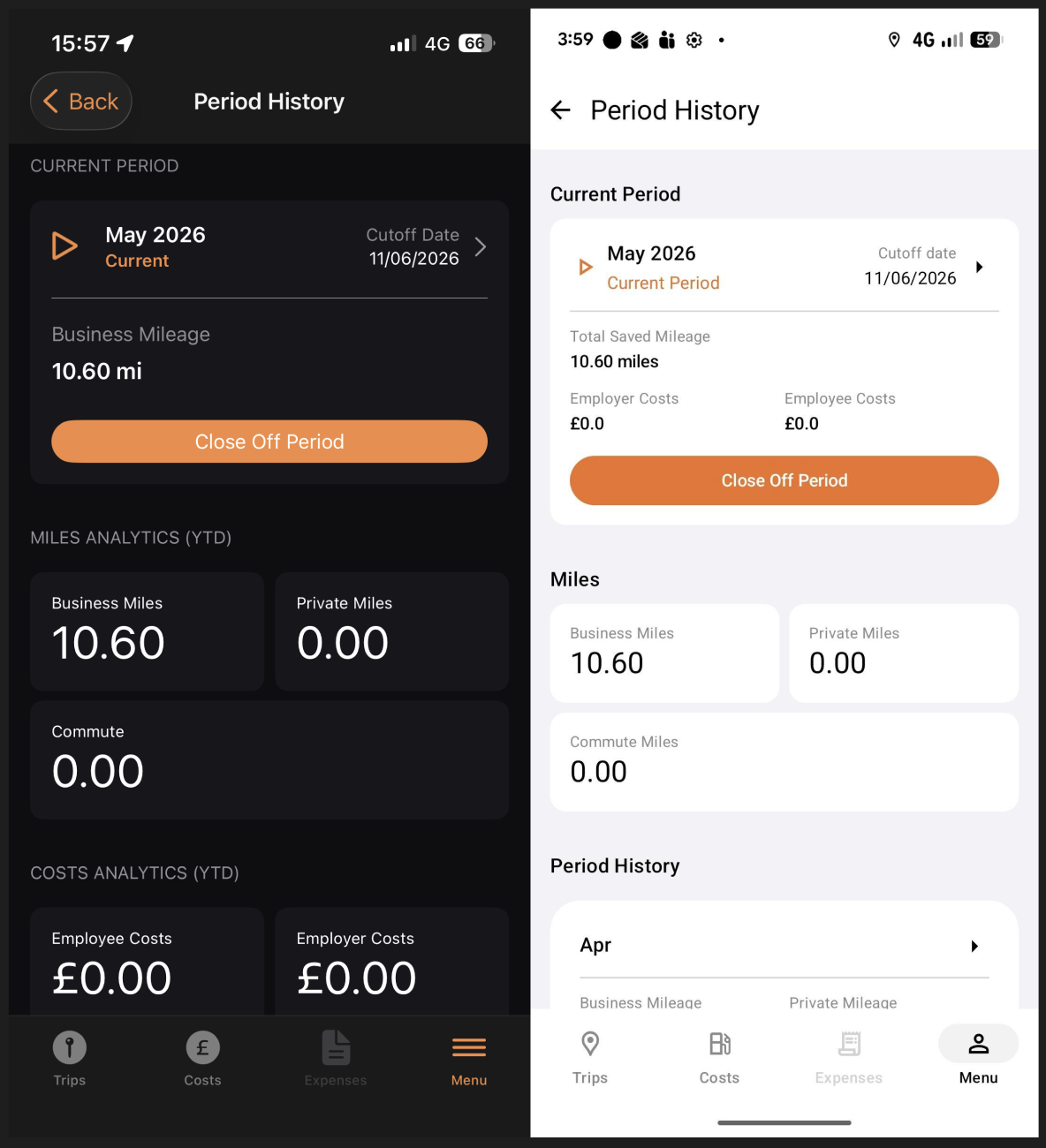
If you select "period history" you will be taken to this screen where you can select "close off period"
(If you select "close off' from the unsaved trips page you will skip this screen)
After selecting "close off period'' you will be taken to the "car and mileage details" page. Where you must enter the closing reading for the odometer.
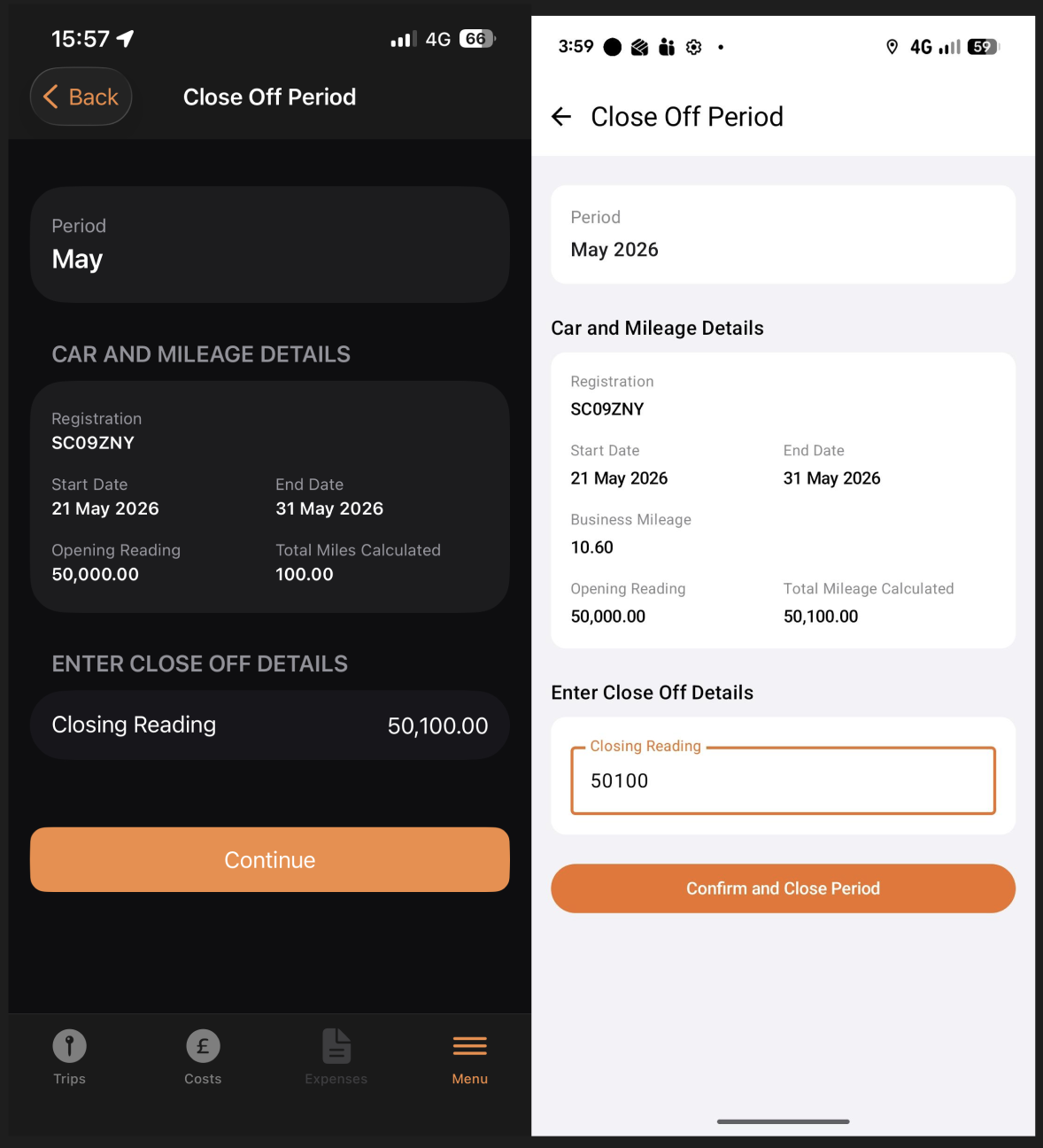
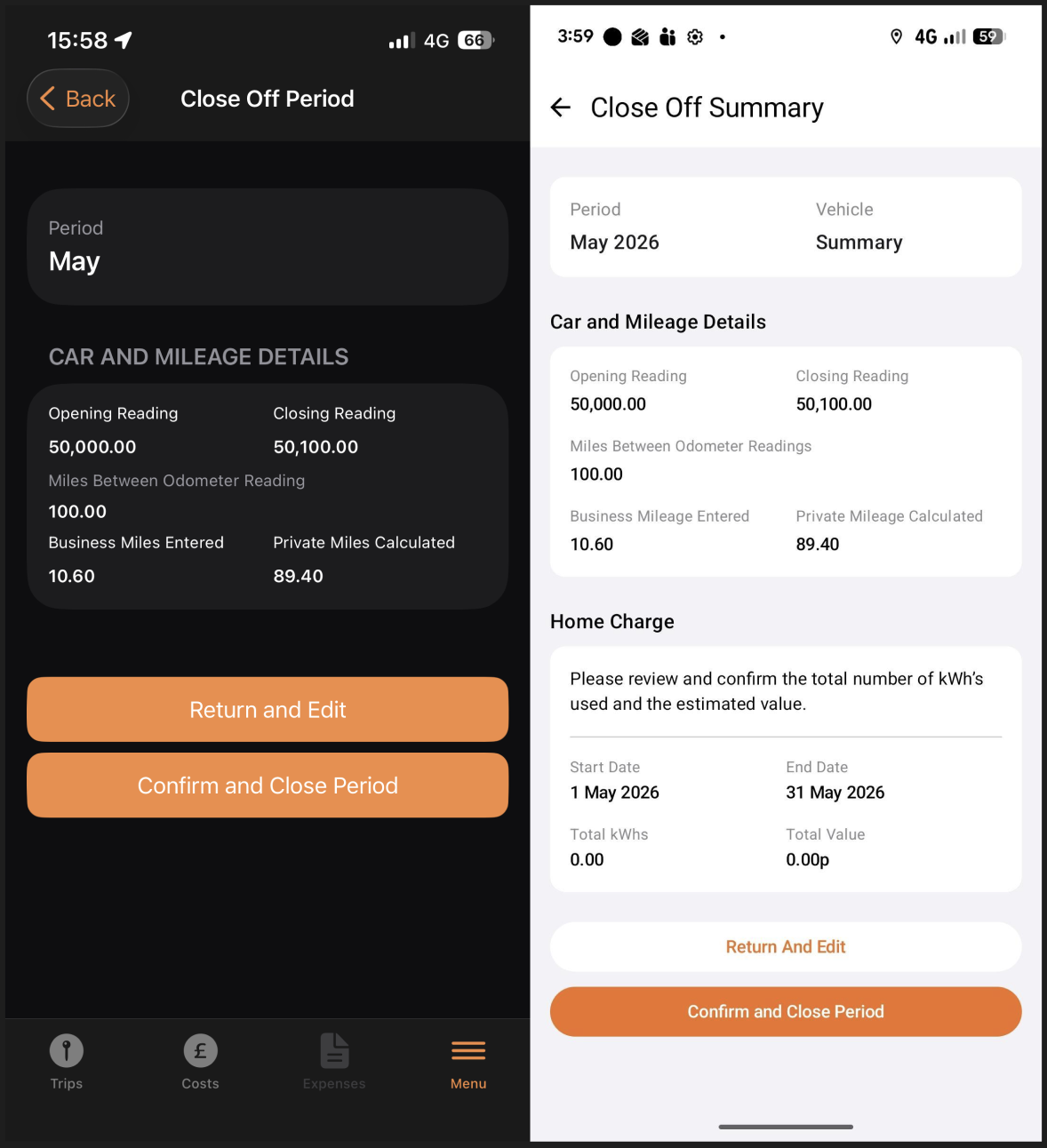
Finally, once you have selected "continue" on iOS or "confirm close off details" on Android, you are then taken to a summary page, where you must check the information you have provided. If it is all correct then select "confirm and close period" to complete this process and finish closing off.