For full tracking coverage, if your car offers Car Play, or a fixed Bluetooth connection, you can create an automation to start the Mileage+ application.
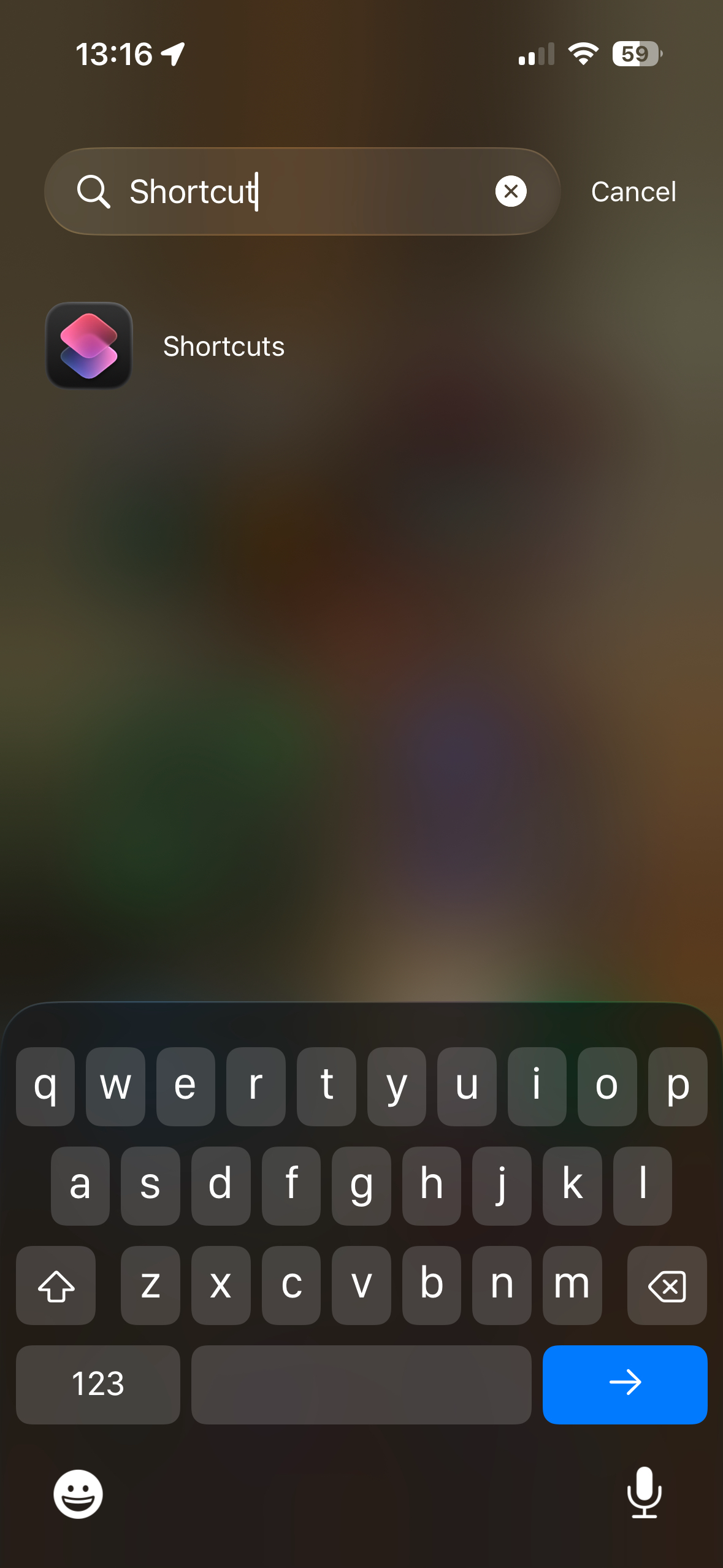
On iOS, open the 'Shortcuts' app,
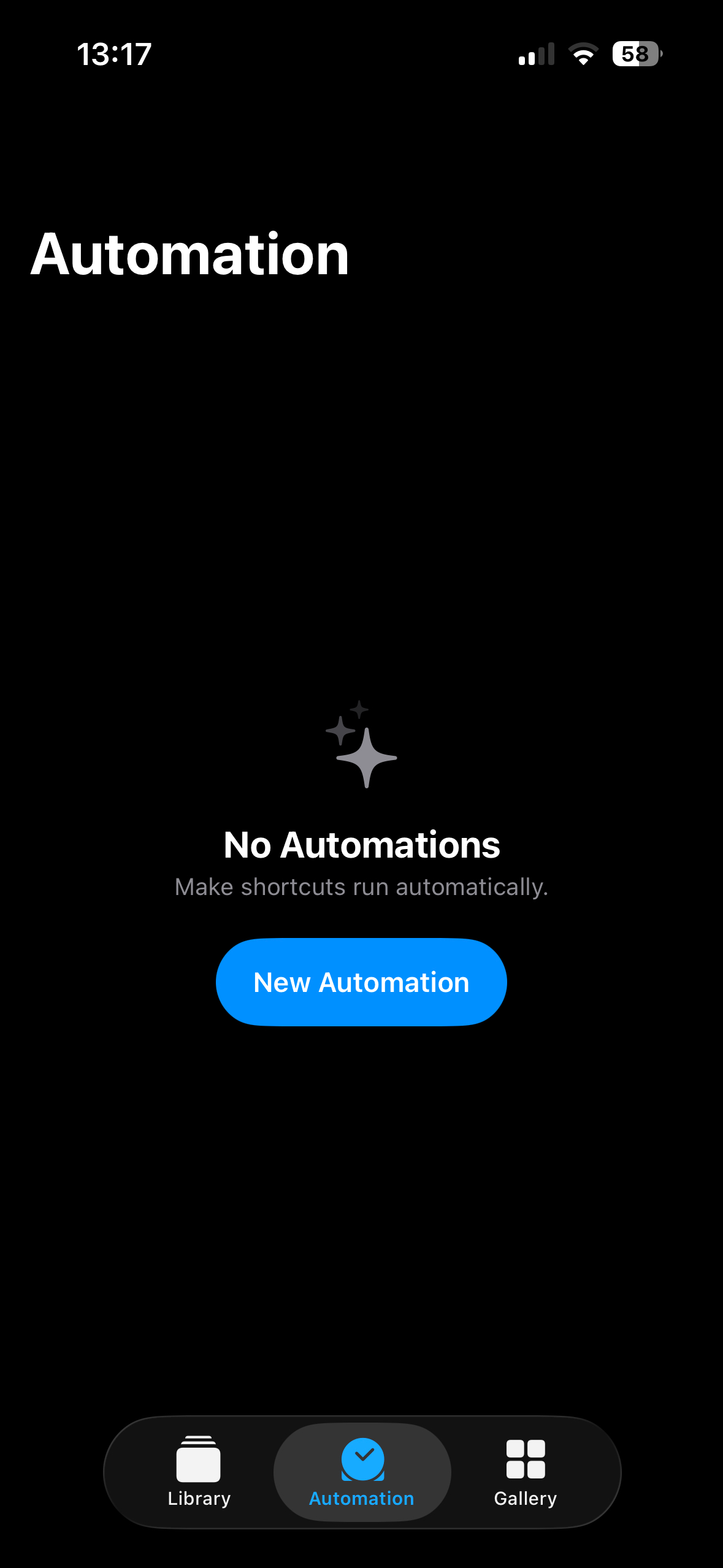
Then, on the 'Automations' tab, 'New Automation'
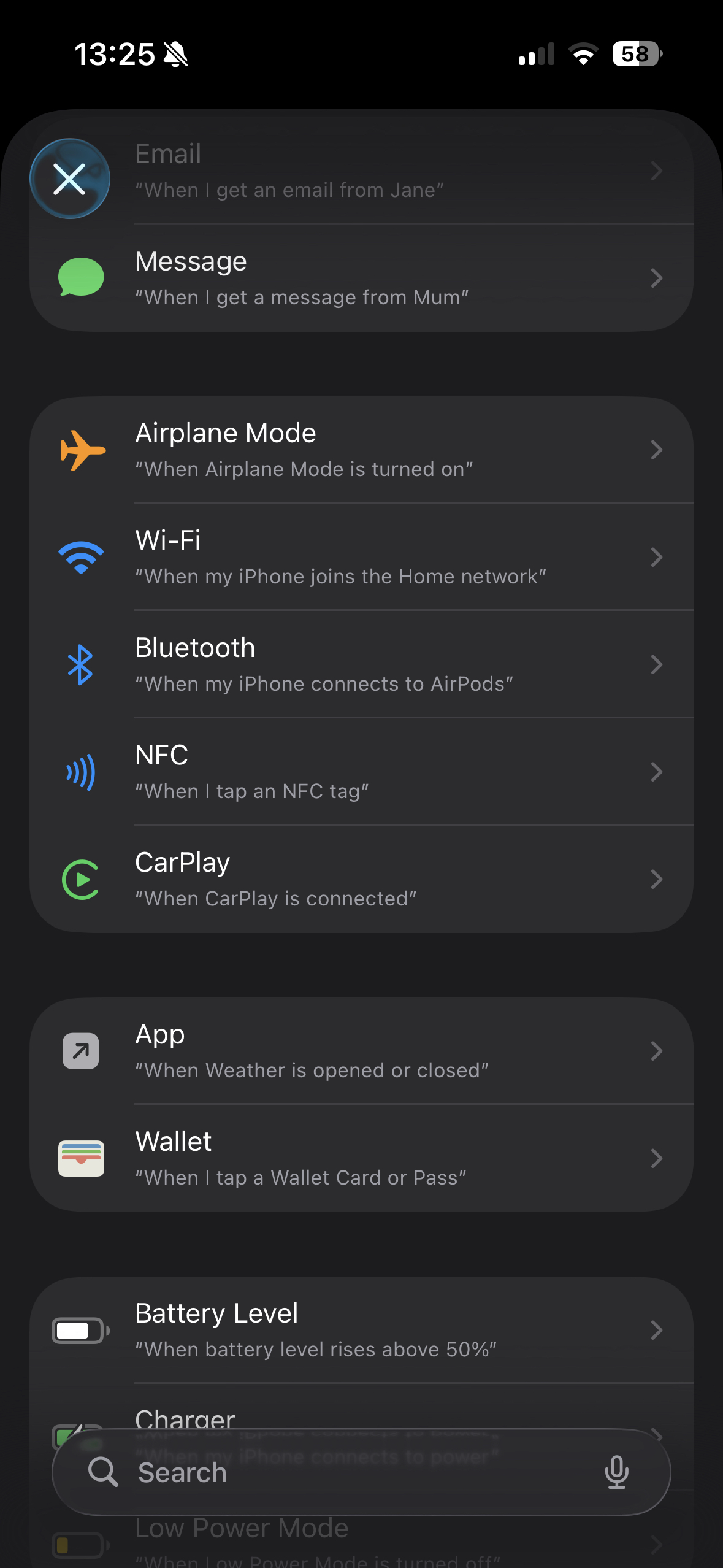
On the 'trigger' page, select 'Carplay'
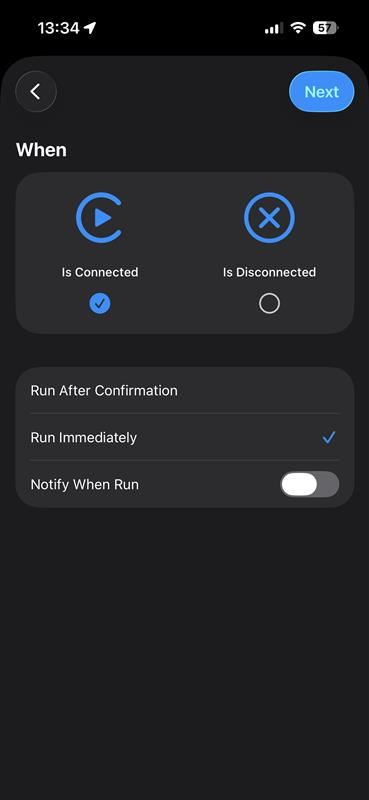
On the next page, change 'When' to 'Is Connected', and select 'Run Immediately', with 'Notify When Run' either on or off, depending on your preference.
Then, select the action option as 'Open App'.
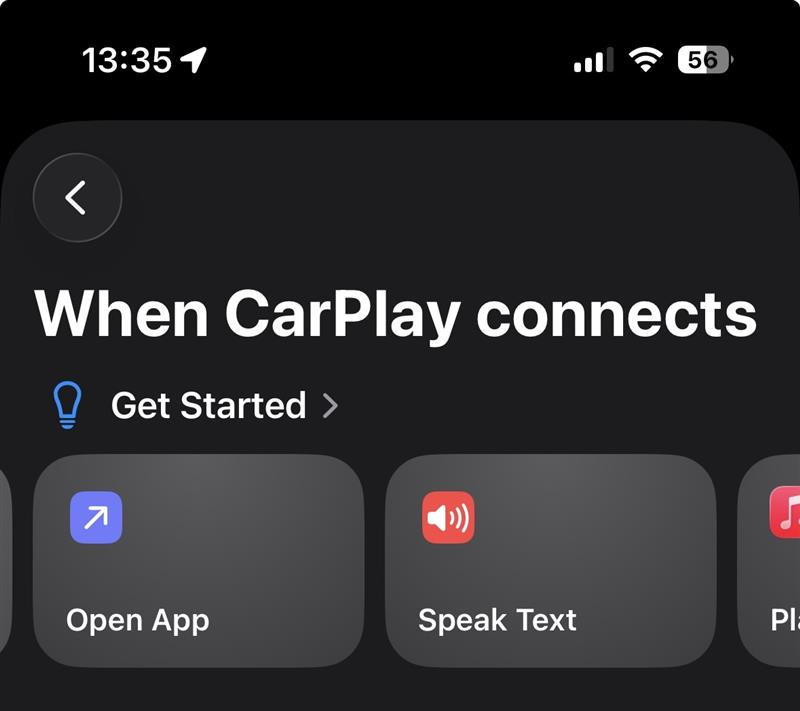
On the next page - select 'Mileage+' on the 'Open App' line.
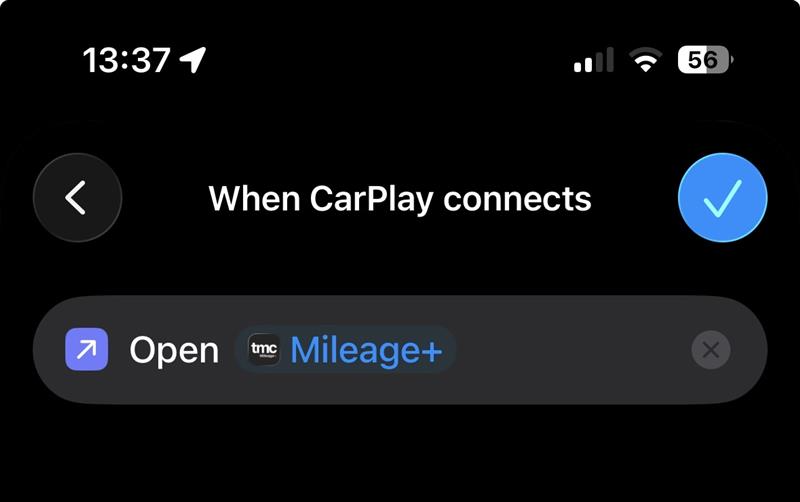
Tap the 'Tick' in the top-right, and now, whenever your phone connects to Car Play, Mileage+ will open in the background of your phone, with AutoTrack enabled and whilst within your AutoTrack times & days, you will be tracked.